PDF Tasks Made Easy






PDFgear Free Online Tools
In addition to our powerful software, PDFgear offers dozens of tools to help you complete simple and quick PDF tasks directly in your web browser.


Why Trust PDFgear
Curious about why PDFgear is completely free, how secure it is, and how we sustain it without charging?
Learn More esigngear.com
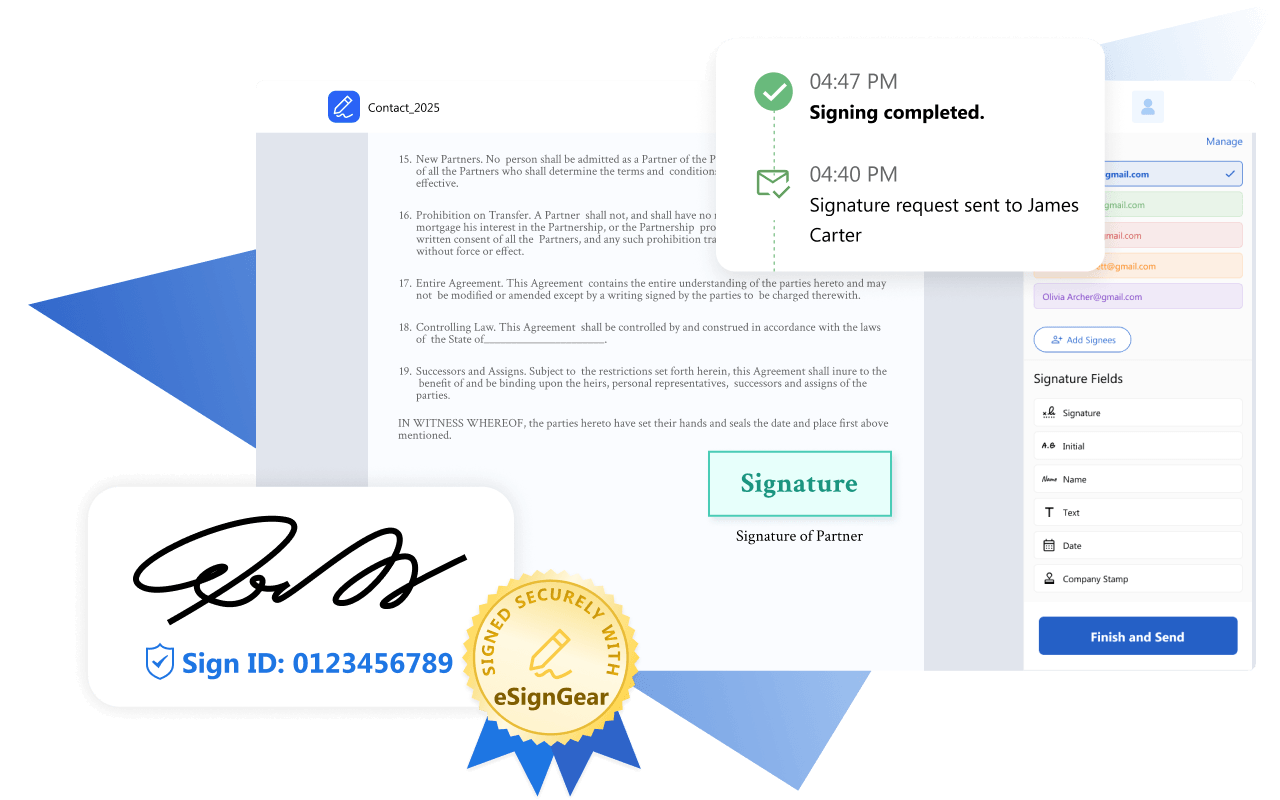
Meet eSignGear PDFgear's Online E-Signing Platform
Send documents for signature, track signing progress, and collect legally binding e-signatures from clients and partners.
Start Signing Free
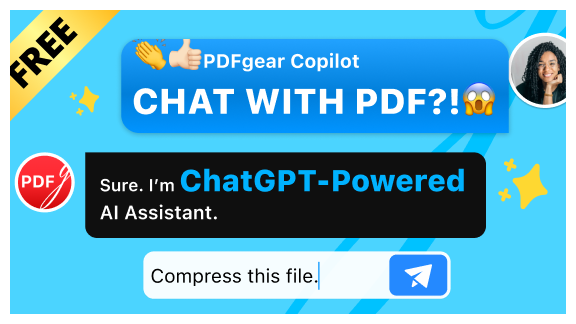
AI-Powered PDF Software
PDFgear makes PDF smarter using cutting-edge AI technology to improve your working efficiency.
Go to PDFgear AIWork with PDF Anywhere
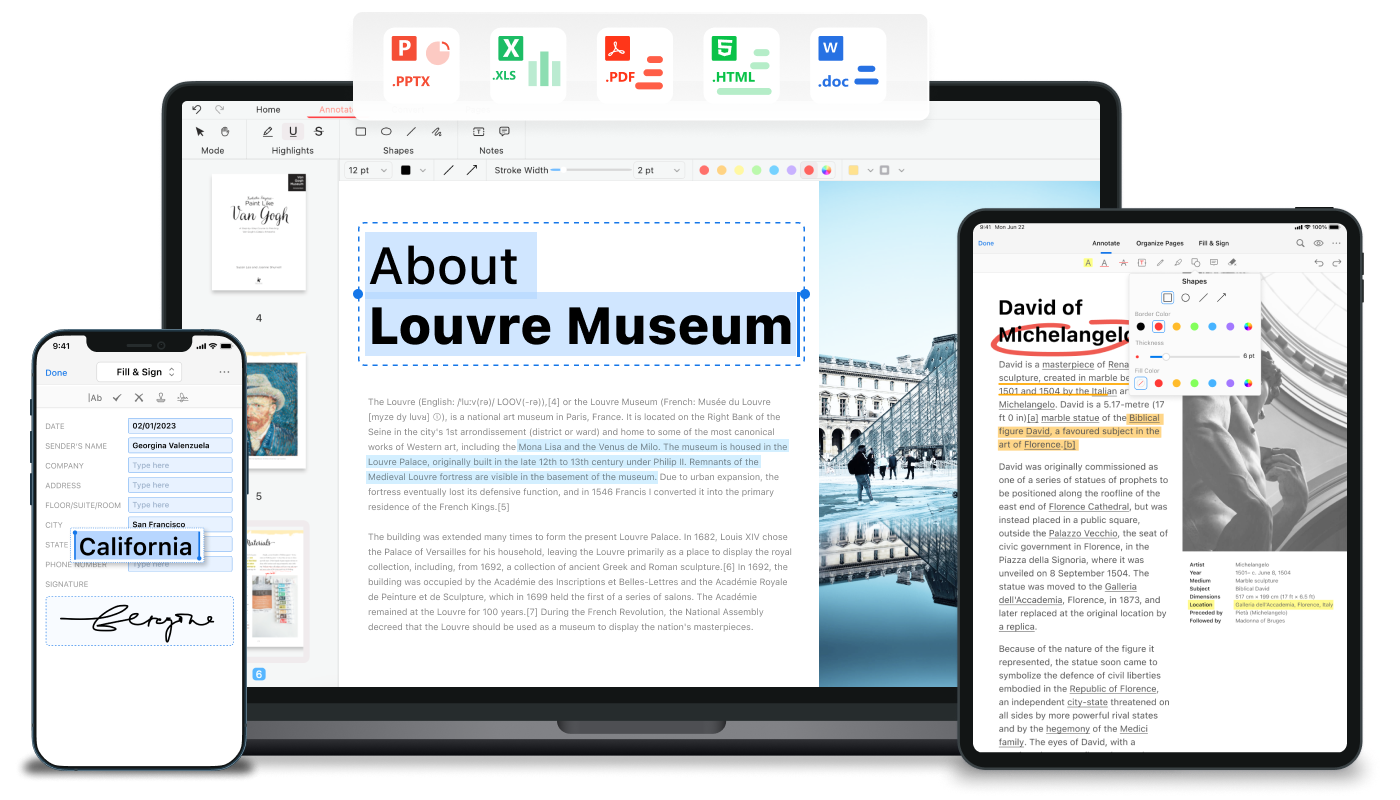
Easily switch between desktop, web, and mobile devices and continue working with PDFs on the go. Now start working with PDFgear on PC, Mac, iPhone, and iPad!
 Windows
Get more done in less time with PDFgear for Windows. Educational and business features are all available for free.
Free Download Learn More Mac
A completely free, lightweight, and enterprise-level PDF management toolkit to work with PDFs on Mac computers and Macbooks.
Learn More iOS
Get the free PDFgear app for iPhone and iPad to get full control over your important business documents wherever you are.
Learn More Android
A free PDF editor app for Android to read, summarize, edit, fill out, sign on, and organize PDFs.
Free Download Learn MoreWhat Features Make PDFgear Stand Out
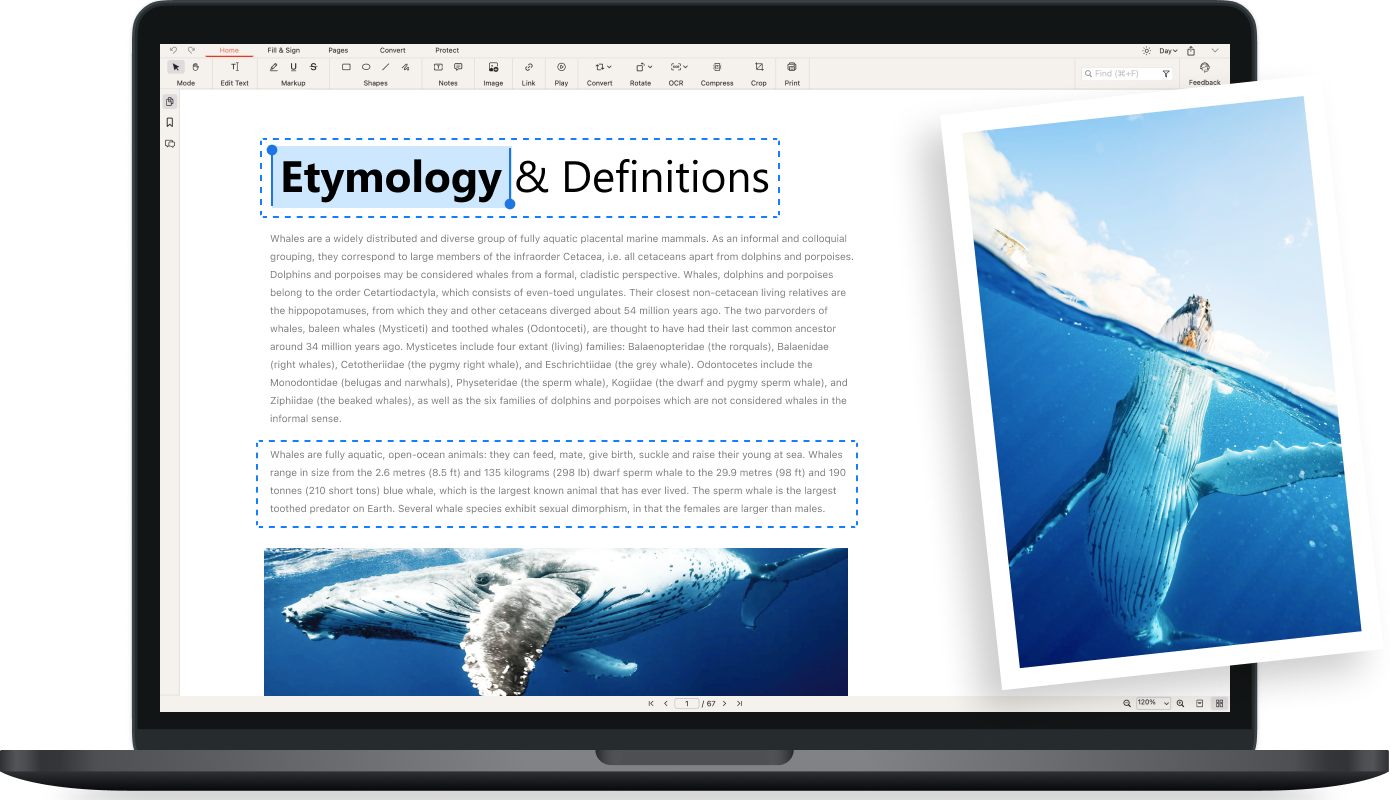
Edit PDF
Make your PDF as editable as Microsoft Word - Freely edit text, images, shapes, signatures, links, fillable form fields, etc. in PDF.
Check PDF Editing Features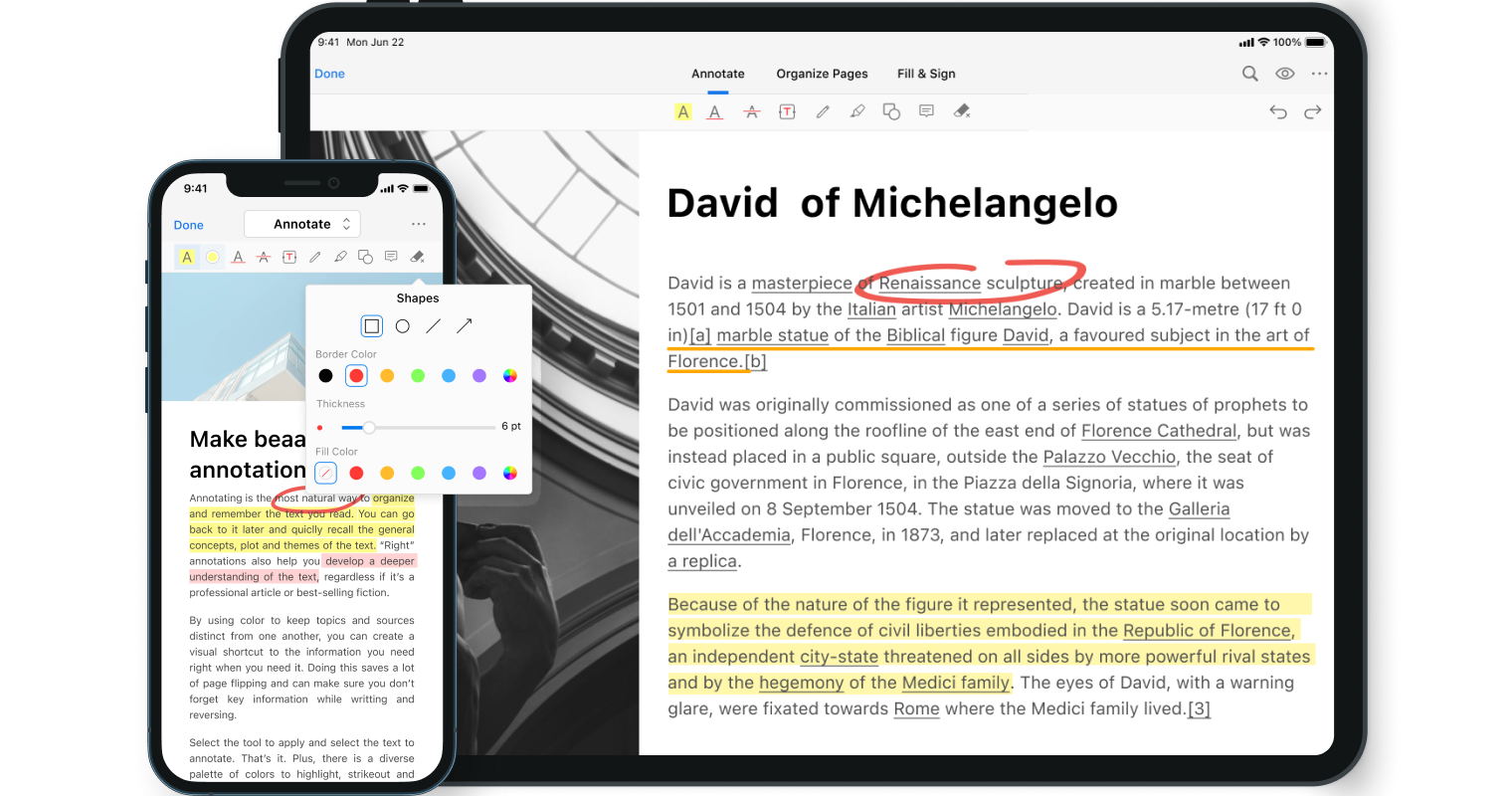
Annotate PDF
Highlight text/areas, underline/strikethrough text, add notes/comments/stamps, insert shapes/text boxes, and more.
Discover PDFgear Markup Tools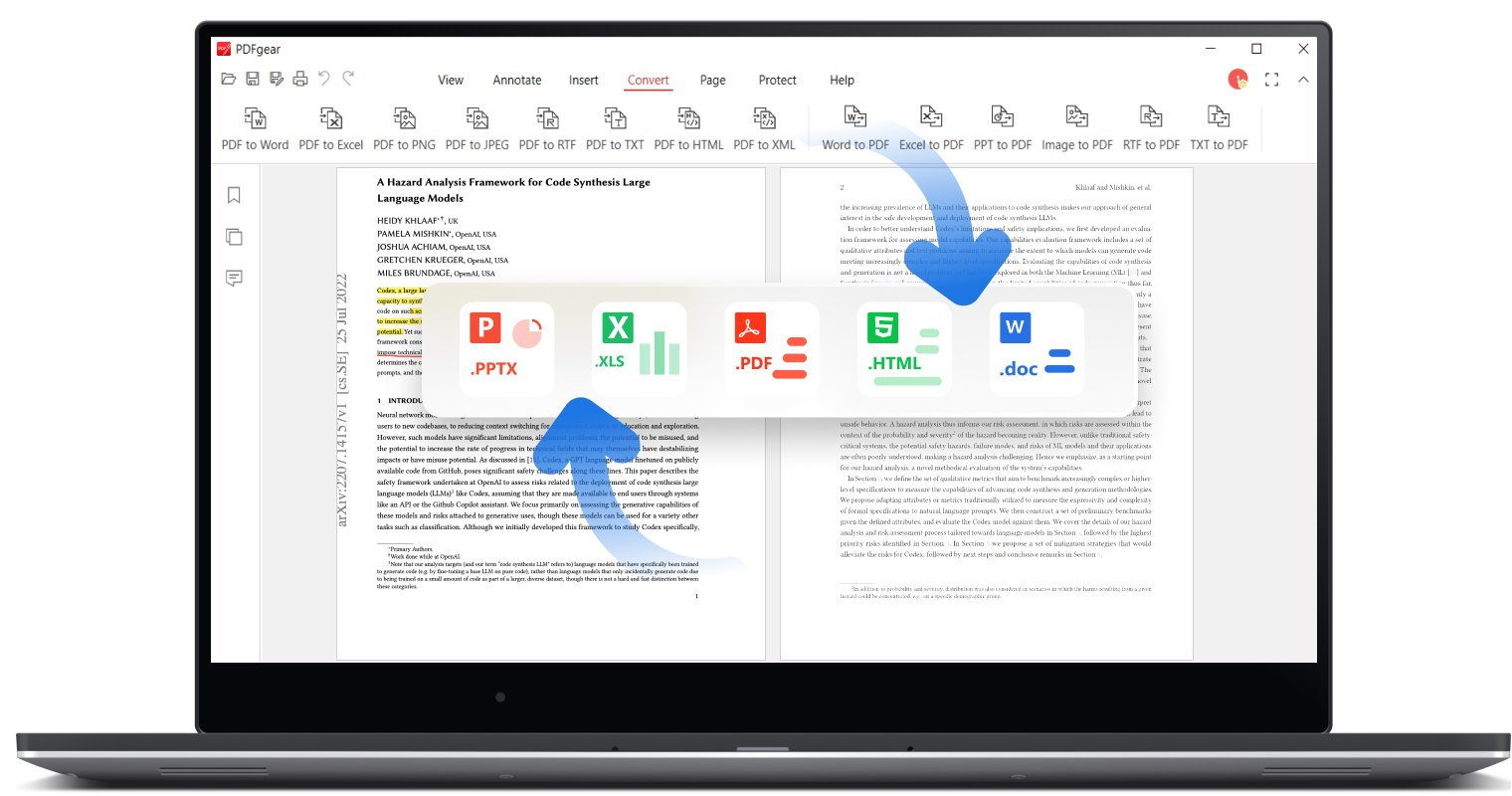
Convert PDF
Convert between PDF, Word, TXT, JPG, Excel, PPT, and more without compatibility issues. A batch conversion mode is provided, and lossless conversions are ensured.
More about PDF Conversions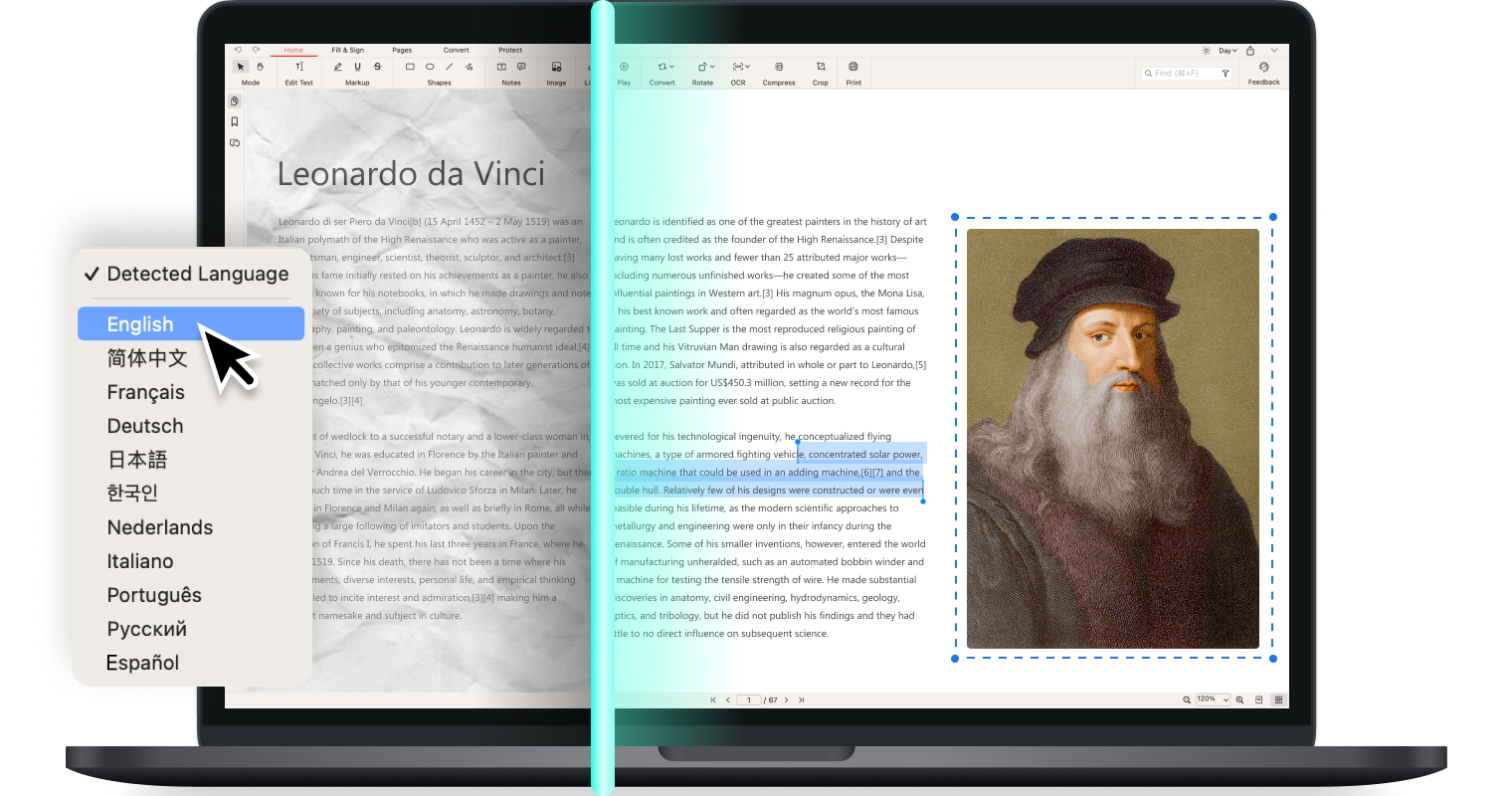
OCR PDF
Precisely extract text from image-based documents or convert scanned PDFs into fully editable Word or TXT, with 30+ languages supported.
Details of PDFgear OCRFree and AI-Powered PDF Tool
Welcome to PDFgear, a world-class and AI-powered PDF editor software designed to empower everyone to manage their PDFs - easily and without cost.
Read more about usPDF experts talk about PDFgear

PDF works, simplified. Get PDFgear.
Explore our hot articles and tutorials
- How to Flatten a PDF for Free
- How to Combine Multiple JPEGs into One PDF
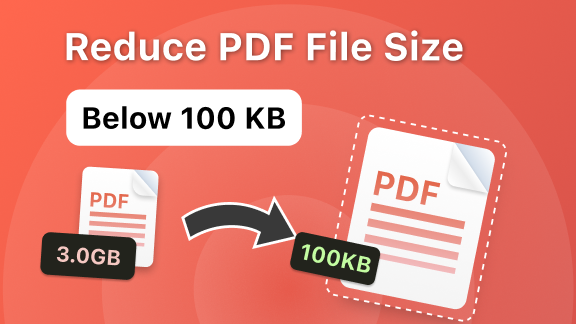
- How to Reduce PDF File Size Below 500 KB for Free
- How to Change Colored PDF Background Color to White
- How to Sign PDF Offline and Online for Free
- How to Scan and Edit a Document for Free
- How to Highlight Scanned PDF Online and Offline
- How to Convert PDF to Word for Free
- 3 Simple Ways to Edit a Secured PDF
- How to Add Notes to PDF